
IT Management
35 articles in this category.

December 17, 2026
How to Fix Slow Wi-Fi in Your Office
To fix slow office Wi-Fi, check whether the problem affects one device, one area, or everyone, then compare Wi-Fi with a wired connection. Poor coverage, radio interference, heavy usage, and device faults need different repairs. The tests help you decide whether to change equipment...

December 15, 2026
What to Do with Old Computers Before You Sell or Recycle Them
Before selling, donating, or recycling a work computer, keep usable copies of the records you need and arrange secure erasure or destruction of its storage. Include every drive, coordinate account and device-management changes with IT, and keep the equipment secure until the work is...

November 26, 2026
What to Ask a Software Vendor After They Report a Data Breach
Confirm that the notice is genuine, then ask whether your business was affected, what information was exposed, when the breach happened, and whether any passwords, access tokens, or connected systems need attention. Keep written records of the vendor’s answers and involve your IT...

November 17, 2026
Why Shared Logins Are a Security Risk for Your Business
Every employee should use their own account wherever the software allows it. Individual accounts let you control permissions, use MFA properly, remove access when someone leaves, and see who performed each action. If a shared password cannot be avoided, store it in a business password...

November 12, 2026
How to Move Offices Without Disrupting Your IT
Involve your IT provider early, confirm internet installation dates before setting the move schedule, and test the new office while the old one is still available. Make a full list of the systems your business depends on, back up important data, label equipment, and allow time to fix...

October 14, 2026
Should Employees Use Personal Devices for Work?
Allow personal devices only for approved work, through approved apps, and when the device meets your security requirements. Use company-owned devices for administration, sensitive work, or jobs that require large amounts of data to be stored locally.
October 12, 2026
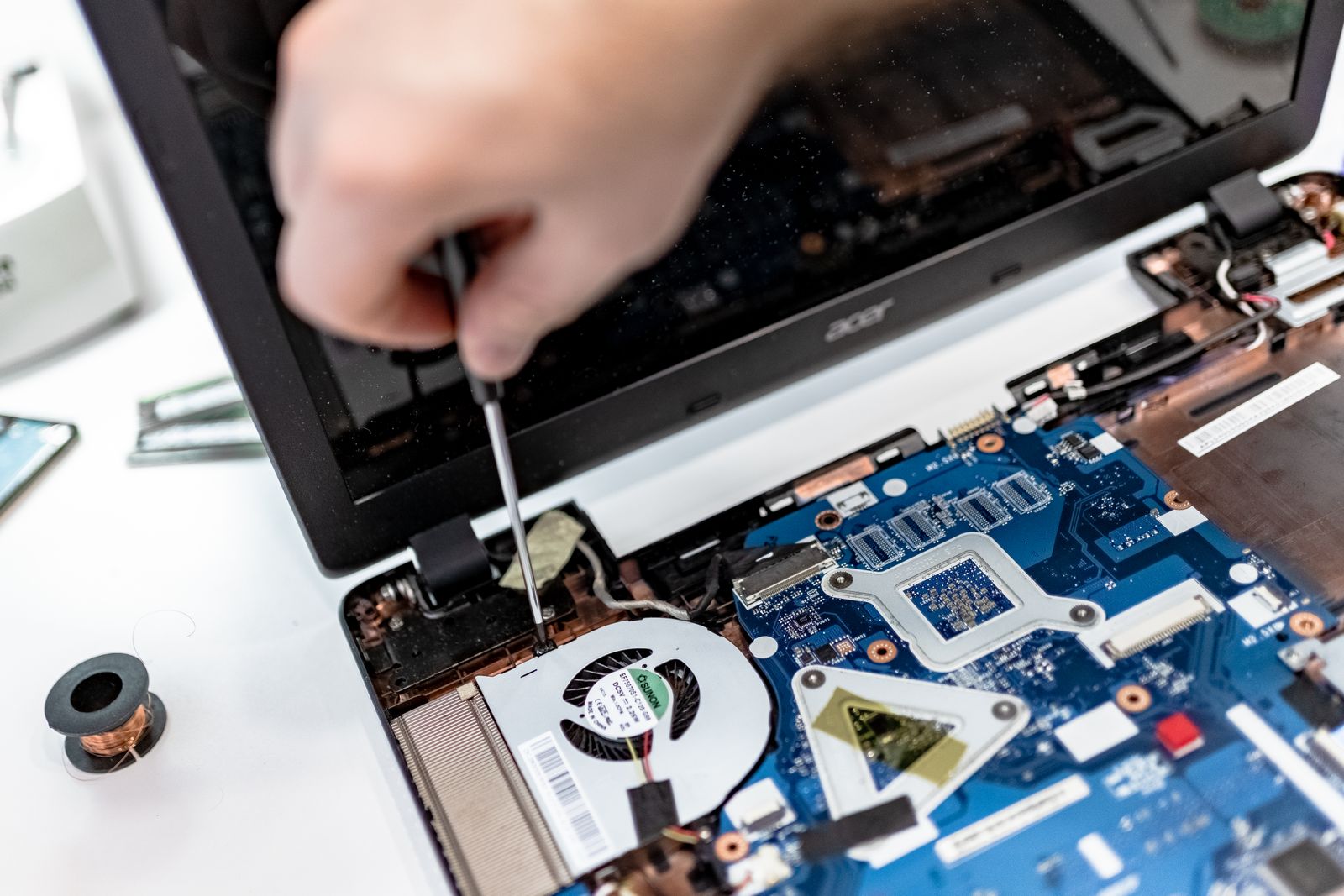
How Long Business Computers Last and When to Replace Them
Three to five years is a practical replacement range for many business computers. The right time depends on security support, reliability, performance, warranty coverage, repair costs, and the employee’s work. Replace any computer that cannot run a supported operating system or the...

October 12, 2026
Why Guest Wi-Fi Should Be Separate From Your Business Network
Guest Wi-Fi should provide internet access while blocking connections to your internal business network. A different Wi-Fi name and password do not confirm that the networks are separated. The router, access points, and firewall must also be configured to prevent guest devices from...

August 18, 2026
What to Do in Case of a Cyberattack (Step by Step)
If your business is hit by a cyberattack, the first hour matters. Disconnect the affected devices from the network instead of powering them off, call your IT provider by phone, and leave the evidence in place. If money was wired to a scammer, call your bank right away. This post is the...

July 14, 2026
Why Bad Onboarding Is the Real Cause of Messy Offboarding
Offboarding is the final step of a process that started on the employee's first day. Shared logins, forgotten SaaS subscriptions, untracked personal devices, and client relationships locked inside one person's inbox are almost always traceable to informal onboarding...
June 29, 2026
The “Zombie” SaaS Audit: Finding the 3 Apps Your Former Employees Still Access
Most businesses remove a departing employee’s email access quickly, but leave their SaaS access scattered across other tools. Zombie accounts are the leftover logins, tokens, and permissions that remain active after someone leaves or changes roles. A practical SaaS...
June 26, 2026
Stop the Bleeding: How Revoking Admin Rights Eliminates Support Tickets
Local admin rights used to make software installs and troubleshooting faster, but today they create avoidable risk and constant support noise. Removing admin access reduces malware exposure, limits configuration drift, and eliminates common ticket types caused by...
Showing 1 to 12 of 35 articles